Making a Minecraft Network
Walking through the steps I did to make a basic Minecraft Network.

Introduction
A Minecraft Network is a collection of regular Minecraft servers, alongside a proxy to hold onto the connection so you can switch between different backend servers. You can make a network without a proxy utilizing Minecraft 1.20.5's Transfer Packet, but there are reasons to still use a proxy.
Transfer Packets?
In 1.20.5, Mojang added transfer packets. You enable it on all your backend servers and then you can /transfer ip port player to send a player to a different server.
However, this lacks a couple distinct features
- Network Wide Plugins
- Recovery after a server crash
The Proxy
For my proxy itself, I am using Velocity, mainly because it's modern, and can handle modded backend servers (Paper, Fabric, Forge), as well as supporting game versions from 1.13 to latest release (with "modern" encryption)


I like to keep my proxy fairly lightweight, so I only run a few plugins, mainly:
- Permissions System
- Network-Wide Banning System
- Queue System
- Geyser & floodgate - Allow Bedrock Clients to join the server
Velocity is recommended as it has security built in that BungeeCord (the previous proxy software a lot of servers used) does not. It achieves this by generating a token on the proxy you need to give to all your backend servers.
The Hub
In most networks, you want a hub/landing area for players to select what game mode they want to play, as well as catch players from servers crashing.
Apart from "standard" plugins, I chose to add the following for switching servers:
- ajQueue - Queue system to avoid flooding backend servers with join requests
- Citizens2 - NPCs for players to interact with to change servers
- ServerSelectorX - Compass in Inventory that opens a menu to pick a server
- ViaBackwards - Let older game clients join the hub
- I only accept 1.19+ clients for now, as if we run a modpack instance I want it to be semi-modern.
Syncing Data
I use a MySQL Database to sync data across servers, using the following plugins:
- AdvancedBanX - Network-Wide Ban System
- LuckPerms - Permissions System
- Nicknames
Optimizing for UX
I take user experience pretty seriously. I hate when servers don't put in the effort to make things simple for their users.
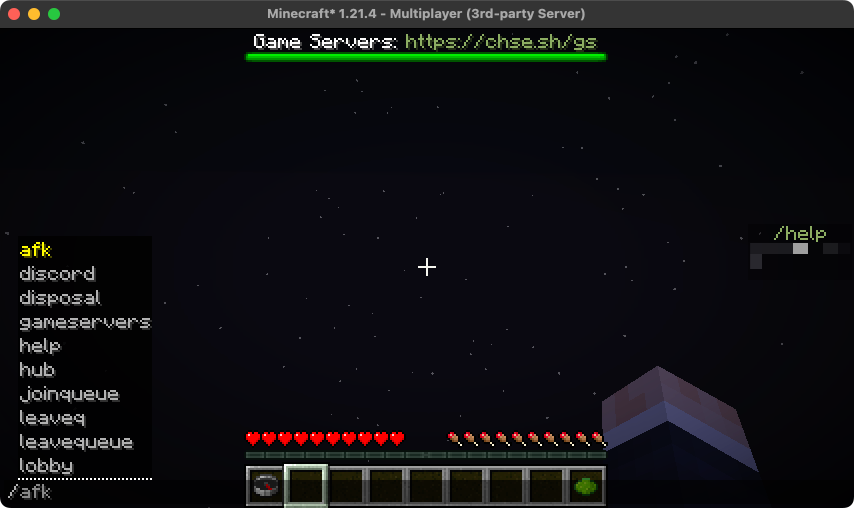
For example, I use CommandWhitelist to only show players commands they have access to with tab auto complete.
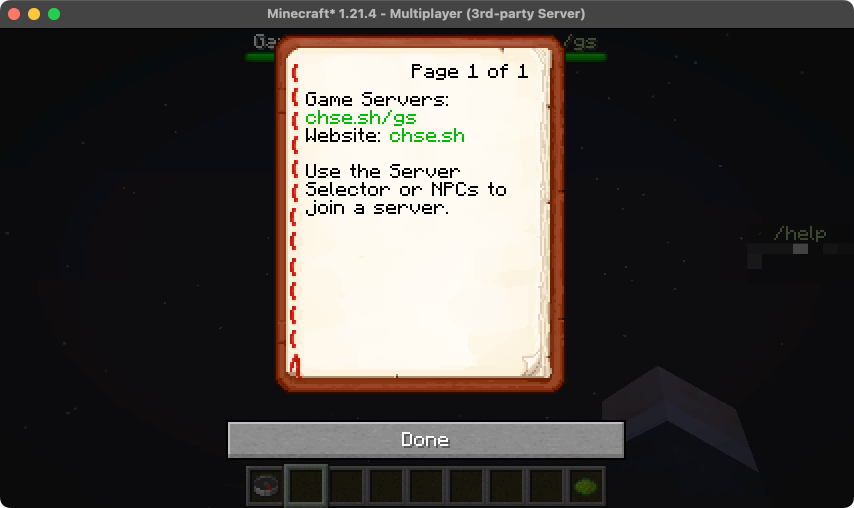
I also use VirtualBooks to allow /help to be a book rather than text in chat, as it's easier to use.
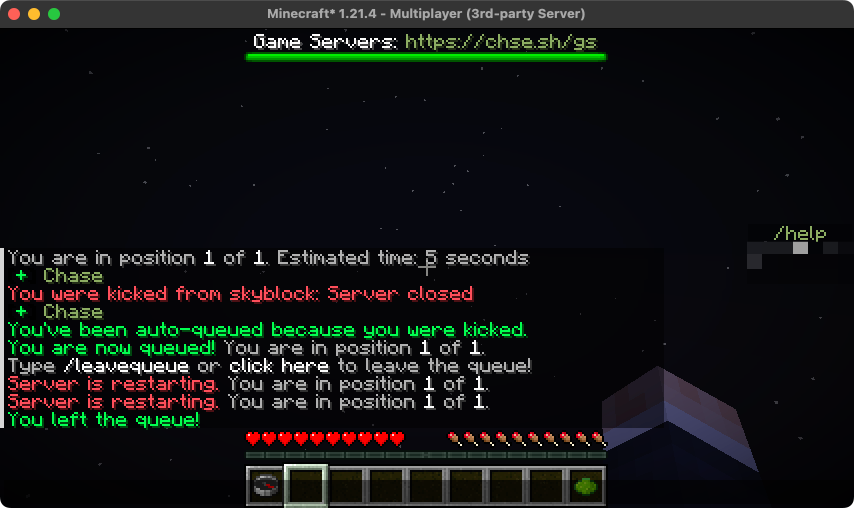
Another thing that is helpful is automatic re-queuing on server restart. This allows me to restart servers and have the players rejoin upon the server restarting.
Survival-like Servers
For survival servers, I like to use some plugins to either save time, or add functionality while keeping it fairly vanilla.
- GraveStonesPlus - Upon death, put all items into a skull block to retrieve later.
- NotTooExpensive - Removes anvil leveling restriction
- Pl3xMap - Online 2D Map of the world
- Shopkeepers - Custom Villager Trades/Player Shops
- TreeAssist / VeinMiner - Sneak when mining a tree/ores to break all of them
I also run a few data packs from PurpurPacks
- Re-dye various items (Glass, Terracotta, Concrete)
- Infinity + Mending on Bows - Restore pre-1.11.1 behavior
- Infinity on Crossbows - Just feels fair if you can get infinity on bows
Creative
For creative, I use Multiverse-Core + Essentials + WarpGUI to essentially fake multiple creative servers, as I want both a vanilla world and a superflat world.
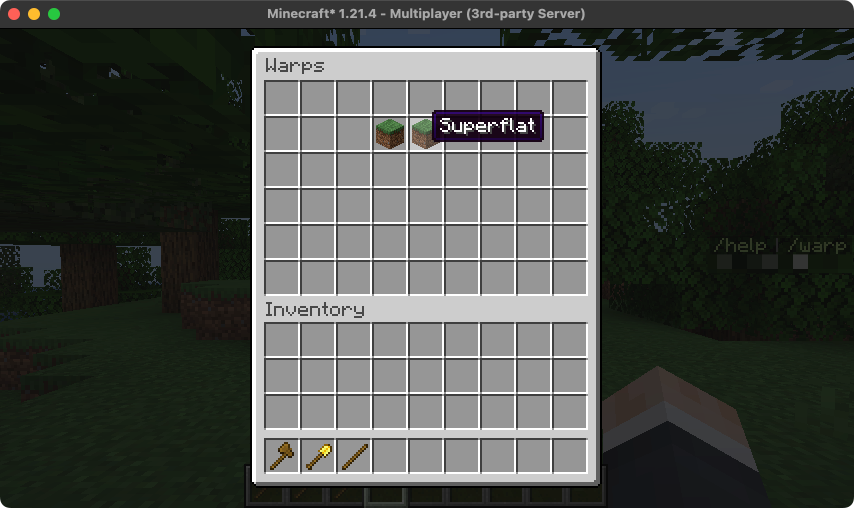
I allow players to use WorldEdit, and I run GriefPrevention in Creative mode so players need to claim their land before they can begin.
Legacy Survival Worlds
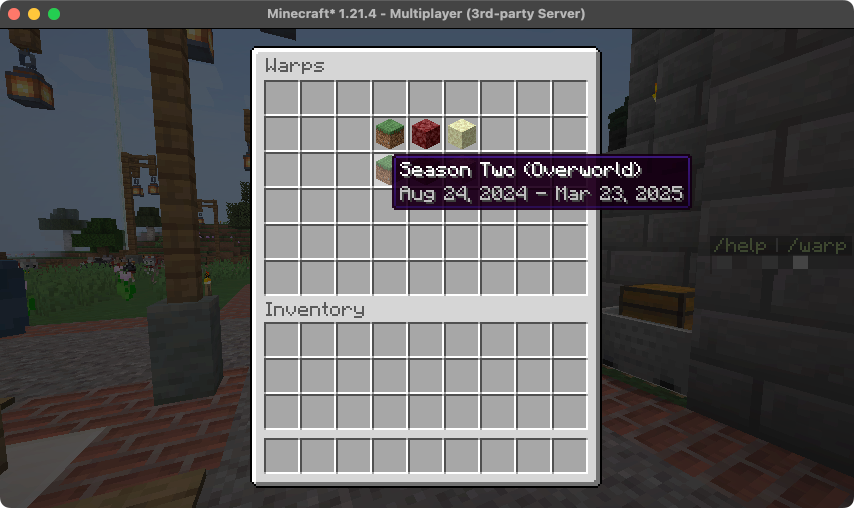
When we get bored of a map, I want to keep it around for spectating to allow players to see previous worlds. I run a spectator only server with previous maps with Warp GUI.
Conclusion
While this is a fairly basic network, I'm quite proud of it as it only took me a couple days to complete everything thus far, although I want to add more gamemodes in the future.
While everything works, the way I update plugins is less than ideal (every week I just download all the plugins on all servers) but it works well enough for now. Another challenge I want to tackle is configuration management when a plugin is used across servers and hosts, as right now I just duplicate configs everywhere.