Everything I Use
All the tech I use.

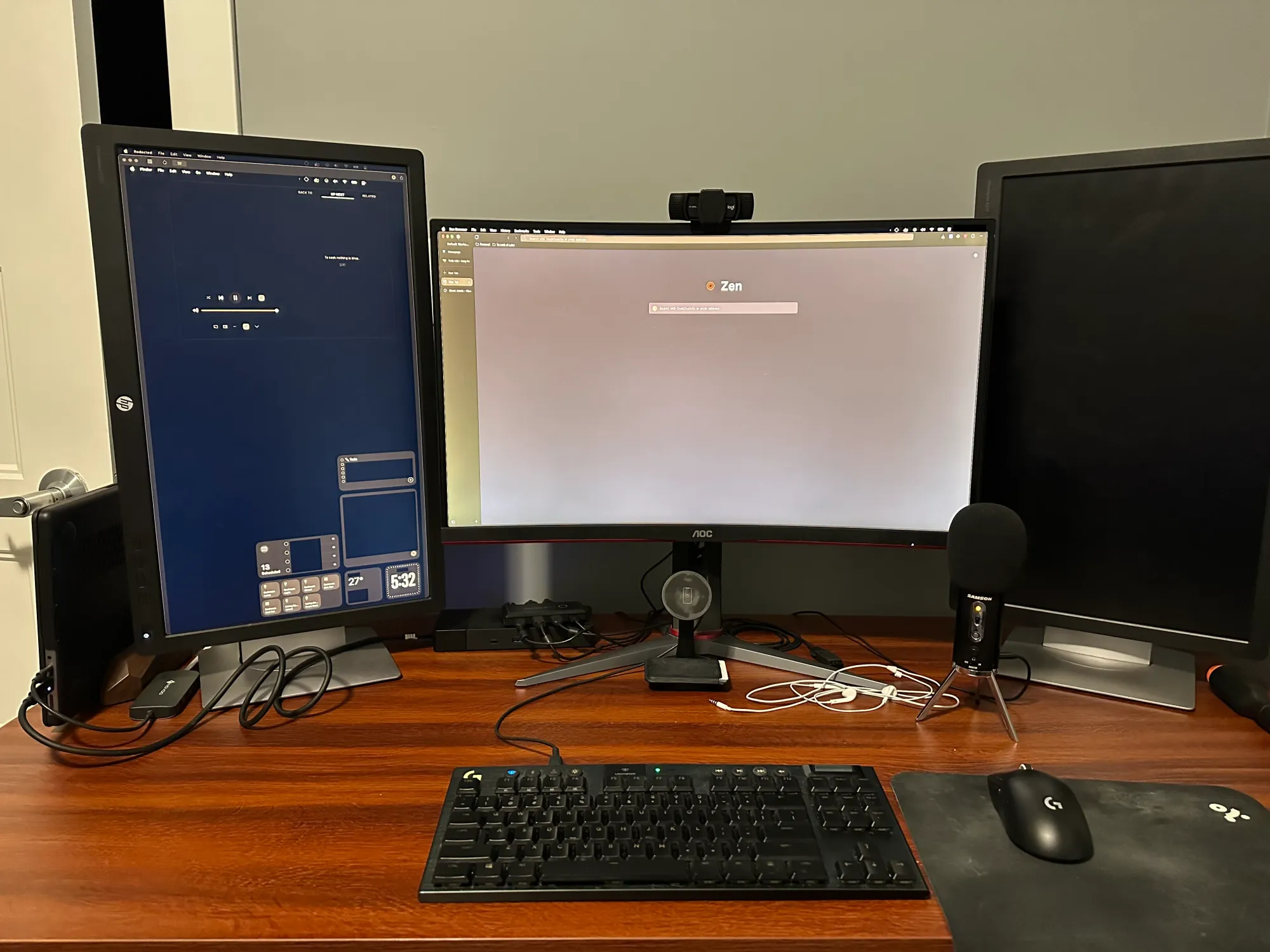
I'm going to share everything I use on a daily basis to work, be productive, and relax.
The Desk Setup
- FlexiSpot Sit/Stand Desk
- 14" M1 Pro MacBook Pro 16 GB RAM
- AOC CQ27G2 27" Monitor, 2x Old HPs, iPad 6 in Sidecar (sometimes)
- Logitech G915 TKL Keyboard
- Logitech G PRO X SUPERLIGHT Mouse
- SteelSeries Mousepad
- HyperX Cloud Flight Headphones
- Samson Satellite Microphone
- Logitech C920 Webcam
- Apple TV 4K - Streaming Box
- HomePod Mini Speaker
- Jasper RGH Xbox 360 - Modified Xbox 360 to relive some of my favorite games growing up
- Brook Wingman XB 2 - Adapter for Modern Controllers to work with Xbox 360 & Original Xbox
- (I've heard about plugins that can replace the need for buying an adapter for what it's worth)
- Brook Wingman XB 2 - Adapter for Modern Controllers to work with Xbox 360 & Original Xbox
- Soft Modded Original Xbox - LAN Party Machine
- Anker USB-C Hub (backup hub) (another hub)
- USB KVM Switch
- Kindle Paperwhite Ebook Reader
- MagSafe StandBy Charger
- PINECIL - Portable Soldering Iron
- Elgato HD60 X - Capture Card
- EPSON EcoTank ET-2800 - Printer
- LG Blu-ray External Drive WP50NB40 (Modified to rip 4k discs)
The Portable Setup
- iPhone 14 Pro (Base Model)
- Apple Watch Series 7 (GPS) 45mm Case
- AirPods Pro 2nd Gen
- iPod 5.5 Gen w/ 256GB Flash Mod
- Steam Deck LCD
- Flipper Zero (Stock FW)
- MX Master 3S
The Software
macOS
💻
I use Nix to allow my macOS config to be declarative. Find my config here.
- Helium - Browser of Choice atm
- Spotify/Plexamp - Music Player
- Things - To Do List
- Fantastical - Calendar
- Signal - Messenger
- VS Code/Zed - Code Editor
- Tabby - Terminal (zsh w/ Oh My Zsh & dotfiles)
- Heynote - Scratch Pad for Developers
- HTTPie - Powerful CRUD API Development Tool
- Photopea - Online Clone of Photoshop
- Redacted - Screenshot Redactor
- Alfred - Spotlight but on crack
- AltServer - Sideloading on iOS
- AltTab - Better Alt-Tab
- Amphetamine - Prevent Sleep in certain situations
- Audacity - Audio Editor
- balenaEtcher - ISO Burner
- calibre - Manage Ebooks
- DB Browser for SQLite
- Docker
- FileZilla - FTP Client
- GitHub Desktop
- IINA - Media Player
- MonitorControl - Controls your external display brightness and volume and shows native OSD.
- Mullvad VPN
- MusicBrainz Picard - Tagging Music that I manually download
- Nextcloud - File Syncing from my Home Server (think Google Drive)
- OBS - Screen Recording
- Plex - TV/Movie Streaming from my Home Server
- Prism Launcher - Modded Minecraft Launcher
- Rectangle - Windows-like Window Management
- Scroll Reverser - Lets you have separate scroll behavior for mouses and trackpads
- TeamSpeak 3 - VOIP Client
- The Unarchiver
- TinkerTool - Deeper macOS customization
- UTM - Virtual Machines
- Vanilla - Clean Menu Bar
- WireGuard - VPN to Home Server
- Yubico Authenticator - 2FA Codes w/ Yubikey
iPhone
📱
I do a couple of weird things on my Phone. Mainly I keep it in Grayscale (unless using Camera/Photos), Do Not Disturb, and Low Power Mode 24/7. For more information, check out my blog post.
The Boring Phone
How I keep my phone boring to stop wasting time.
 Chase
Chase
Phone Apps
Apart from apps I also use on macOS (Things/Fantastical/Bitwarden/etc...) I also use:
- ntfy - Notifications from my Home Server
- CARROT - Weather
- Scanner Pro - Take photos and make them into clean PDFs
- Countdown - Widgets
- AutoSleep - Sleep Tracking
- Streaks - Habit Forming
- Various Apps for Scuba Diving
The Services
While most of my services are self hosted (aka: I run them on my own server at home)
The Ever-Expanding Home Server
Everything I self-host, in one convenient spot.
Chase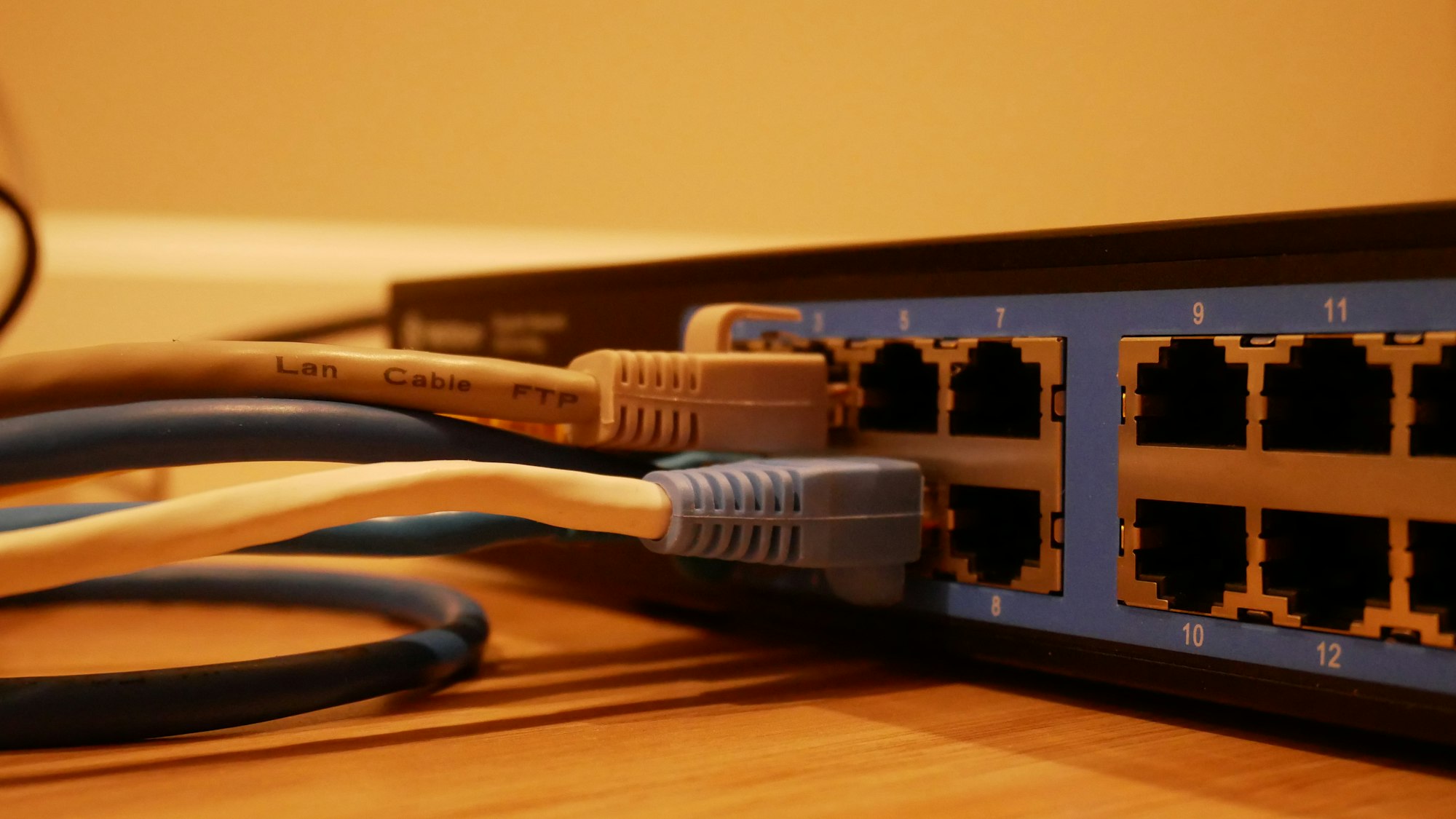
I do still use some online services.
Mainly:
- YouTube, Spotify for entertainment
- Reddit, Hacker News for reading/news/entertainment
- Cloudflare, Namecheap for website management
- Last.fm - Music Statistics (My Profile)
- Zoho - Email Service
And that's about it. That's most if not everything I use on a daily basis (at least that's technology related!)